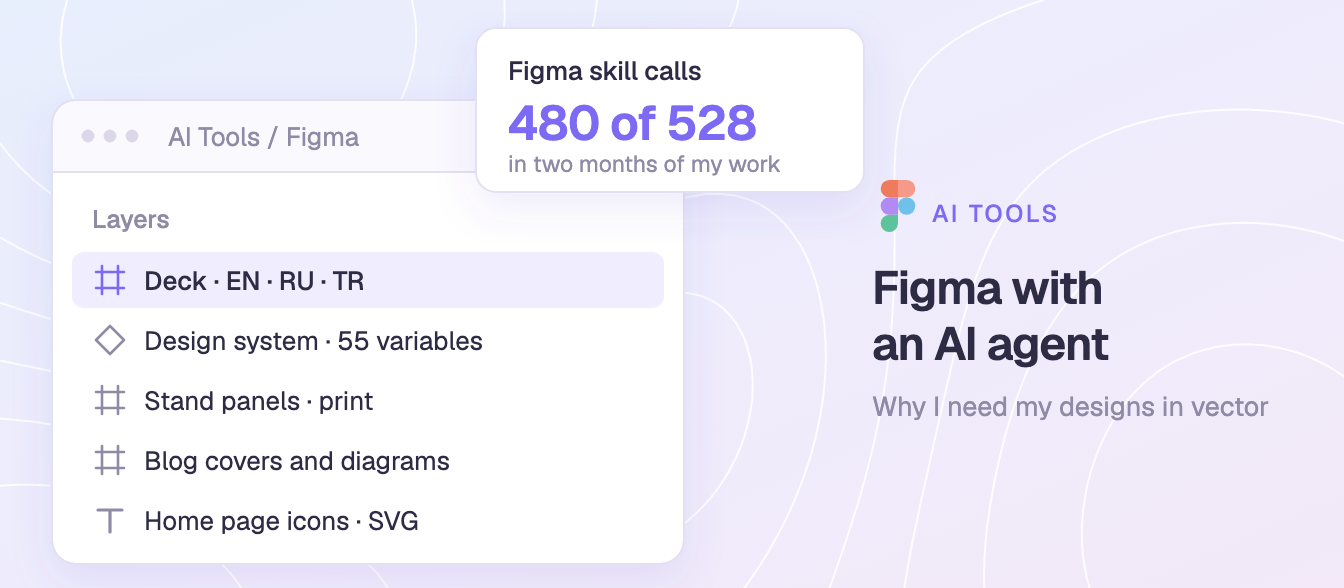
The first time Claude Code drew something in my Figma file, I thought: this will give me so many opportunities. It did. Figma is now where most of my agent's work happens: in two months, its Figma skill accounted for 480 of 528 skill calls. More about my setup is in Claude Code isn't for code.
Why Figma and not image generation
Because I need it in vector. A generated image is a flat picture. A Figma file is something I can keep working with:

- Layers and real text. I can fix a typo, swap a number or translate a slide without redrawing anything.
- My design system. Colours, type and components come from my tokens, so every new piece matches the old ones.
- Print and web from one source. The same frames export as print files for exhibition stands and as SVG for my site.
- My hands stay in. I can open the file and change anything myself.
What lives in my Figma

- My Notion template shop. Its design system has 55 variables, 13 text styles and 6 component sets, plus the covers and diagrams for the blog's first wave of 28 articles, each with a phone version.
- Company decks in three languages. One deck about container data centres has 15 slides in English, Russian and Turkish, kept in sync.
- Exhibition stands and print. Stand panels, banners, a trifold booklet, vouchers and certificates, exported for print.
- This site. The section icons on the zoyak.tech home page started in Figma.
The template shop is the work I'm proudest of. It's very good not only design-wise but content-wise, and I'm planning to use its content for my own studies.
The loop: the agent drafts, I edit, the site gets my version
The agent never ships a design straight to the site. It draws in my file, I look, I edit by hand, and only then is the result exported.

The home page icons are a good example. The agent drew several directions side by side, I picked one and refined the details myself, right down to thinning the page block on the Studies book. The SVGs on the site were exported from my edited frames, so every change I made by hand went live exactly as I left it.
What the agent had to learn about Figma
Working through the Figma API is not the same as working in Figma by hand. My agent's memory now holds 17 notes about Figma alone. A few of the lessons:

- Text width has to be measured. It can't be guessed from the number of letters.
- Frames clip their content. An element that is "there" can be invisible.
- Opacity lives in two places. Fill opacity and layer opacity are different things.
- Node IDs go stale. A reference that worked yesterday can point at nothing today.
- Logos don't move between files by API, so they're rebuilt or copied by hand.
- SVG export has quirks, so exports are checked before they go live.
- Animations can't be made through the API.
My rules for design work
The agent also follows rules I've given it for anything visual:
- Show it in Figma first, not on the live site.
- Real icon sets, never emoji, in anything that ships.
- When the subject is a specific tool, use its real logo, redrawn in my style, not a metaphor.
- Infographics stay light and airy: pale backgrounds, soft gradients, one accent colour.
Why it matters
Vector means the work stays mine. The agent gets me to a first version in minutes, and everything after that is still editable, by it or by me. For someone who thinks visually but never had a design team on call, that's the opportunity I saw on day one.